How you feel outranks the calendar
This rule is printed on every phase screen and in every notification, and it outranks every number: if your energy is lower than usual, do not push the load up, even if the phase “allows” it. The app counts days; it cannot feel how you slept or how your day went.
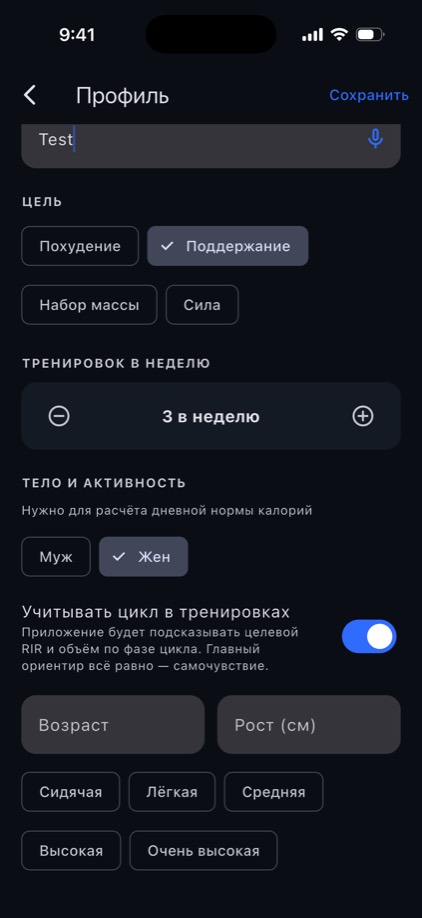
Your sex and one switch
Pick “Female” during onboarding or in your profile, and “Let the cycle inform training” appears underneath. While that switch is off the app behaves exactly as it does for everyone else: no cards, no notifications, no extra questions.
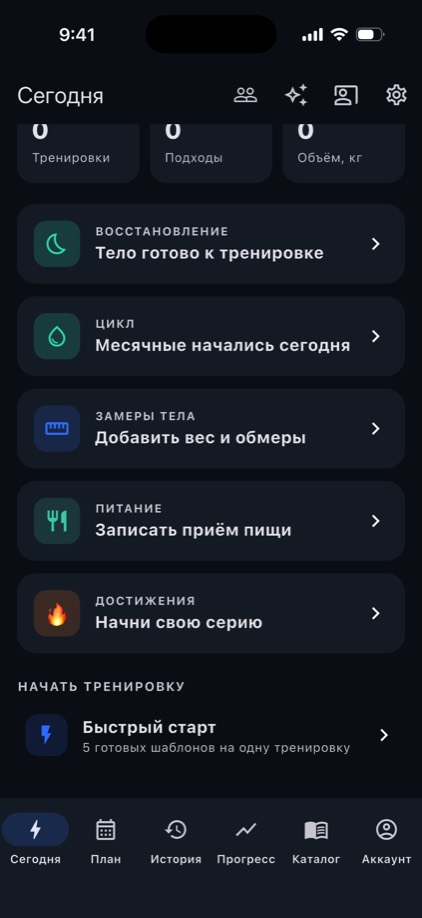
One button on day one
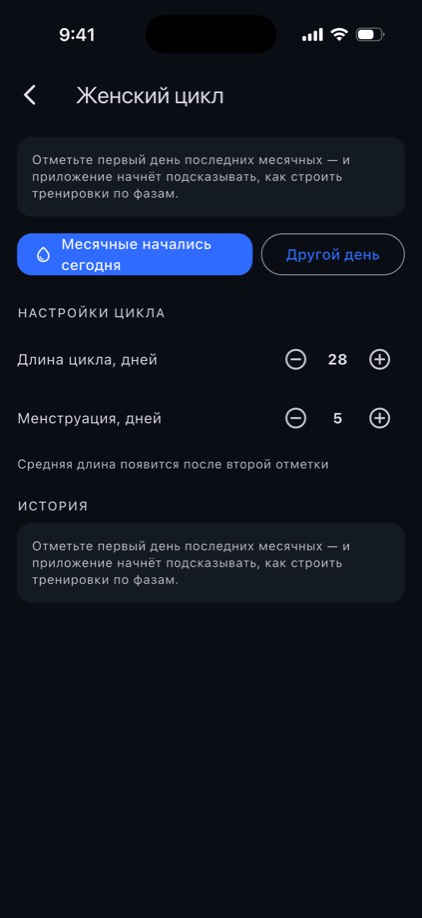
“My period started today” is all it takes. Forgot and remembered two days later? “Another day” opens a calendar. Cycle length and period length are yours to set: the maths runs on your numbers, not the textbook 28.
What changes in each phase
The app counts phases back from the end of the cycle rather than forward from the start, so the maths holds for a 26-day cycle and a 33-day one alike. Here is what it shows on the phase screen.
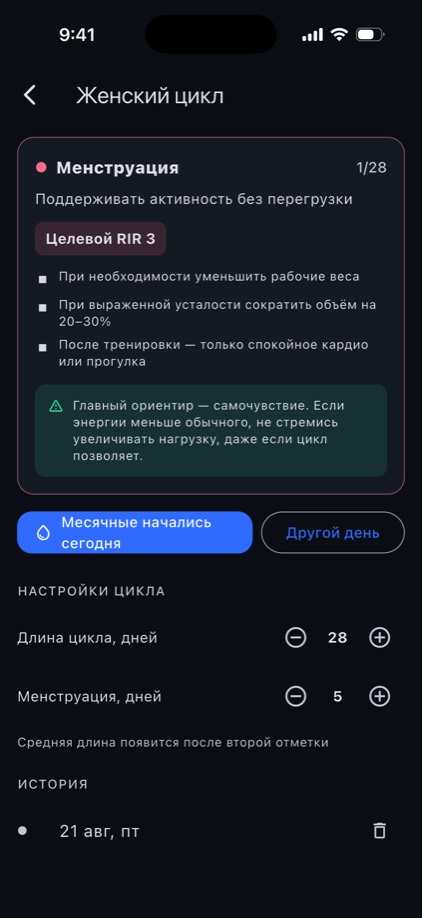
🩸 Menstruation · days 1–5
Goal: stay active without overloading.
- Target RIR 3
- Lower your working weights if you need to
- If you are clearly tired, cut volume by 20–30%
- After the session, only easy cardio or a walk
🌱 Follicular · days 6–12
Energy usually rises — you can progress gradually.
- Target RIR 2
- If you feel good, add working weight gradually
- Technique quality first, maximum weight second
🔥 Ovulation · days 13–16
If you feel good, you can train a little harder.
- Target RIR 2
- A small weight increase on the main lifts is fine
- Do not take sets to failure
🌙 Luteal · days 17–28
Goal: keep training regularly and feeling well.
- Target RIR 2–3
- Drop your working weights slightly if you need to
- More fatigue here is normal
In the usual tables days 13–14 belong to two phases at once. The app gives them to ovulation — the narrower and more consequential window. And if your period is late, the phase does not jump to a new cycle: otherwise the hardest day of all would come with advice to add weight.
The app asks; it does not decide for you
Before a workout starts, a sheet opens: here is the phase, here is the target RIR, here is the offer to cut volume. Two buttons — “Apply” and “Train as usual”. Swipe the sheet away and it counts as “as usual”: silence is never read as consent.
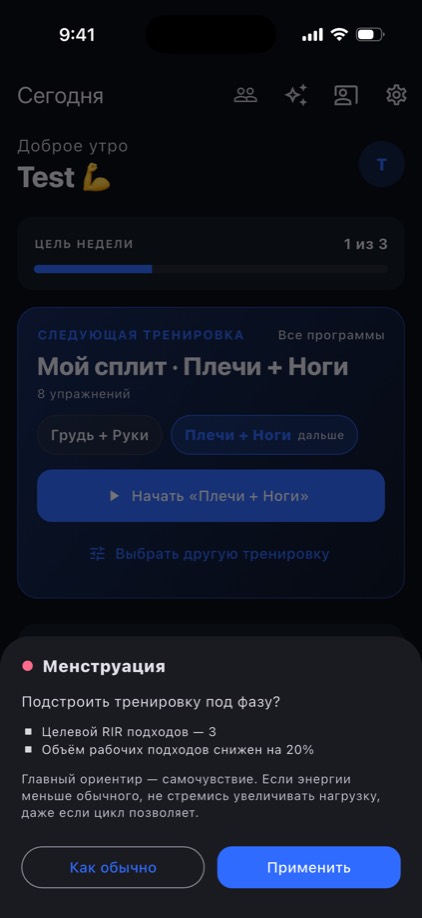
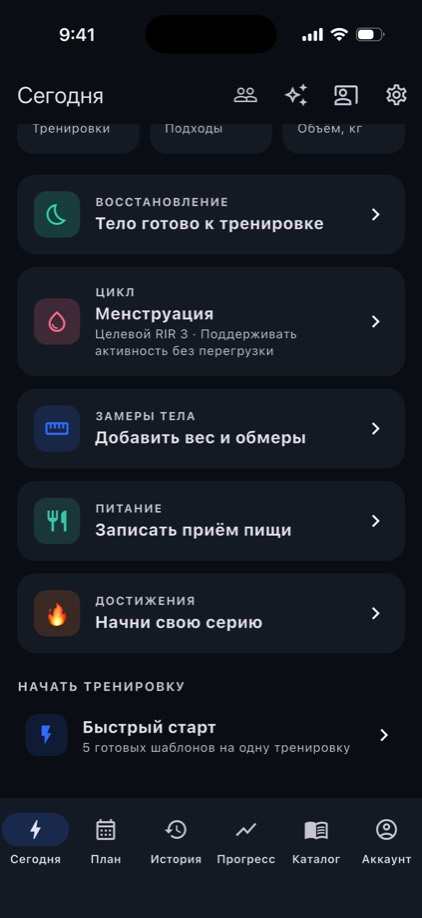
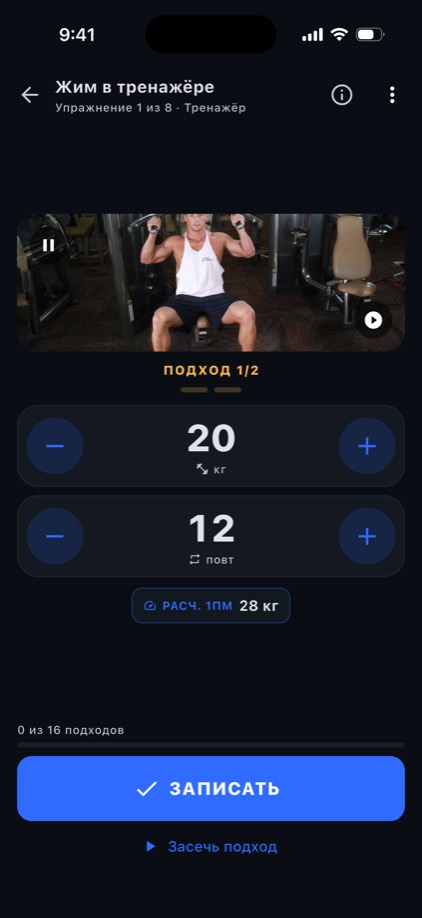
The app never touches your weights. In all four phases the advice about load is conditional — “if you need to” — and a calendar cannot know how you feel. Only the target RIR and the volume move, and only with your consent.
The phase where you will actually see it
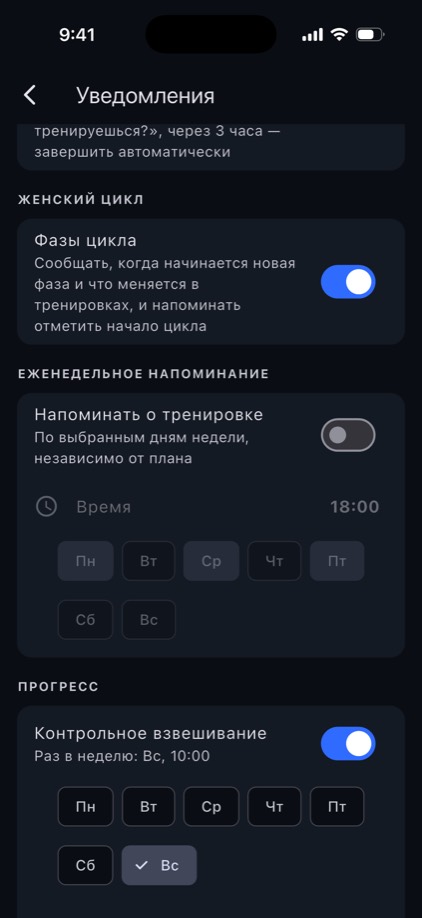
On Apple Watch the phase, the day of your cycle and the target RIR sit right on the workout screen. Notifications arrive only on the days a phase turns over — telling you what changes in the numbers — and on the day your next period is due, to remind you to log it. There is no daily nagging.
Progress you can actually see
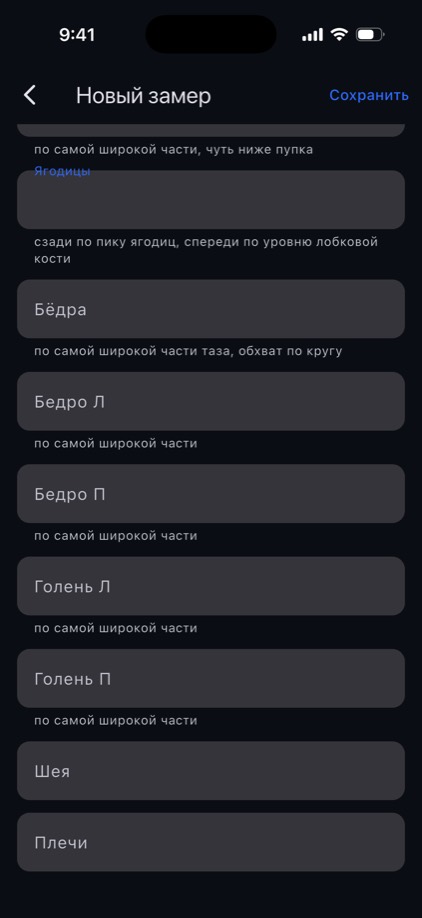
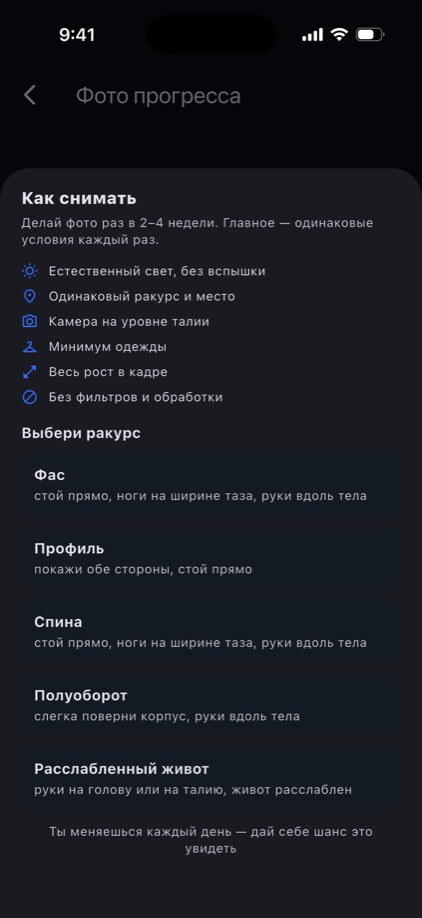
Eight measurement zones, each with a note on how to measure it: arms, thighs and calves one side at a time, waist at its narrowest, belly at its widest. Photos come with five angles, a description of the stance for each and a checklist of shooting conditions — so that in three months there is something to compare.
Who sees this
Nobody but you. Your cycle dates sync between your own devices through your account, and that is all. A trainer in the app sees programs and form-check videos; the cycle is shown to them nowhere. The AI coach receives only the name of the phase, never the dates, and is explicitly barred from drawing medical conclusions: it is a coach, not a doctor.
Get the app
Install the app, pick “Female” during onboarding and switch cycle tracking on. You can log the first day retroactively — the maths starts working straight away.