From the phone or straight from the watch — whichever suits you
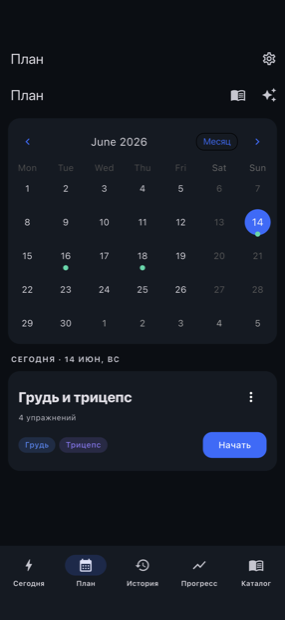
On the phone open Today and start the planned workout, or pick another one. Or begin straight from Apple Watch: the suggested workout is the first button, and your programs are listed below it.
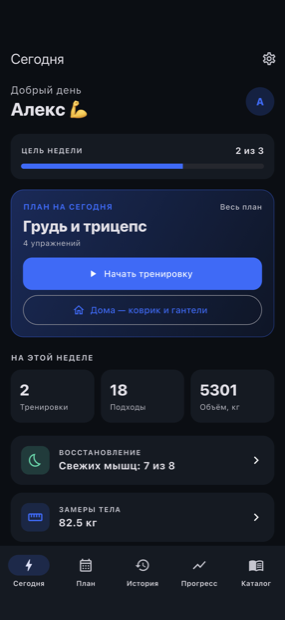
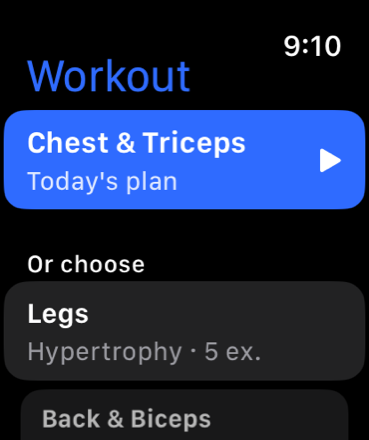
Weight, reps and “done” — from the wrist
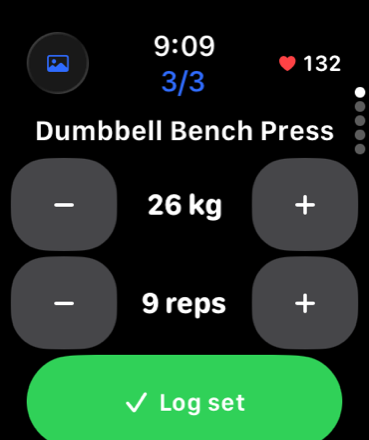
Adjust weight and reps with the +/− buttons and log the set with one tap — right on the watch, without reaching for your phone between sets. Heart rate is pulled from Apple Health and attached to that set. On the phone you get exactly the same, on a big screen.
Live heart rate · set counter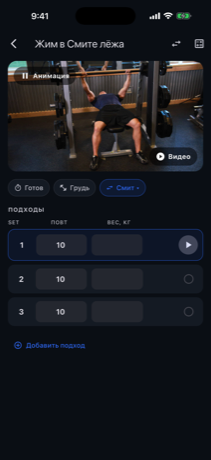
The rest timer right on your watch
After a set the watch starts the rest countdown by itself and taps you when it's time. Need a bit more — “+1 minute”; ready early — “Skip”. No staring at your phone, no time lost.
Most trackers don't offer this from the watch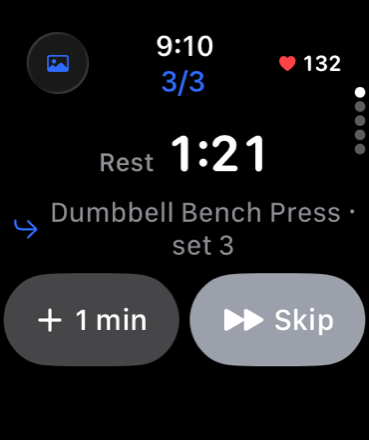
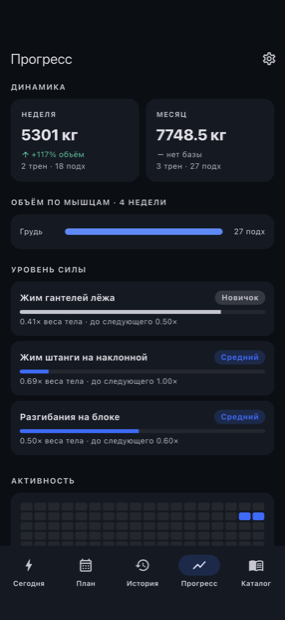
The results add up on their own
Every workout lands in your history, and the app works out volume, strength and trends by week and month — with no spreadsheets to keep by hand.
What makes it easier to live with than other trackers
Start, sets, weight/reps, rest and finish — from the wrist, hands free.
Auto-start after a set, a haptic nudge, “+1 min” and “Skip” right on the watch.
Apple Health data is tied to events in the workout, not averaged across the session.
The workout runs with no phone nearby — the data catches up with sync later.
Real rest, time under load and pace — metrics the others don't have.
Log with no signal — sync catches up; your data is on every device under your account.
Try it
Install Fortera from the App Store, add your Apple Watch — and run your first workout from your wrist.